How to run a fair giveaway with a wheel
A simple plan that lets your audience see, and later check, that the draw was fair.
Decide the rules first
A fair draw starts before anyone touches the wheel. Write down how people enter, when entries close, how many winners there will be, how long winners have to claim the prize, and what happens if a winner cannot be reached. Publish these rules where entrants can read them, and do not change them afterwards.
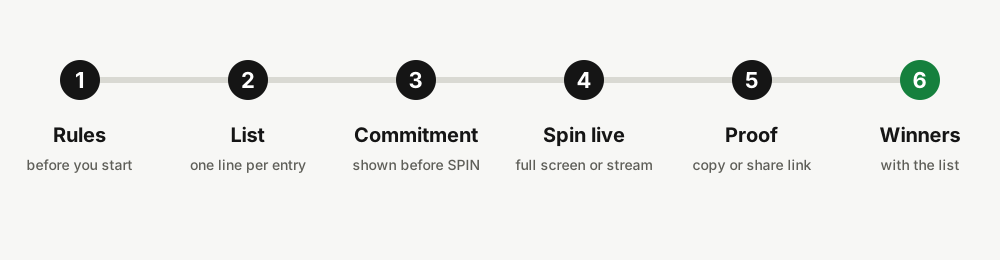
Decide the order of events as well: when the draw happens, whether it is live, and where the result will be posted. Entrants trust a draw more when the schedule is known in advance.
Build the list from the entries
Collect every valid entry and paste them into the Names tab of the wheel, one per line. Use names or entry numbers, whichever you can match to the real entrant later. Check the count shown under the text box against your records.
If some entrants earned extra chances, write them on several lines, one line per chance. A person with three chances appears three times. Save the final list in your own records, for example as a screenshot or file, because the proof will refer to exactly this text.
Show the list, then spin on camera
Publish the final list before the draw, so entrants can see that their entry is in it. Then start the live stream or the screen recording before you press SPIN, and keep it running until the result is shown. This, not any code on a screen, is what convinces an audience: they watch the list, the spin and the winner in one unbroken take. The idea of what a result check can and cannot prove is explained in the guide to checking a wheel spin.
Agree with your audience that the first spin counts. If you spin again after seeing a result you do not like, the unbroken recording makes that visible.
Spin where people can watch
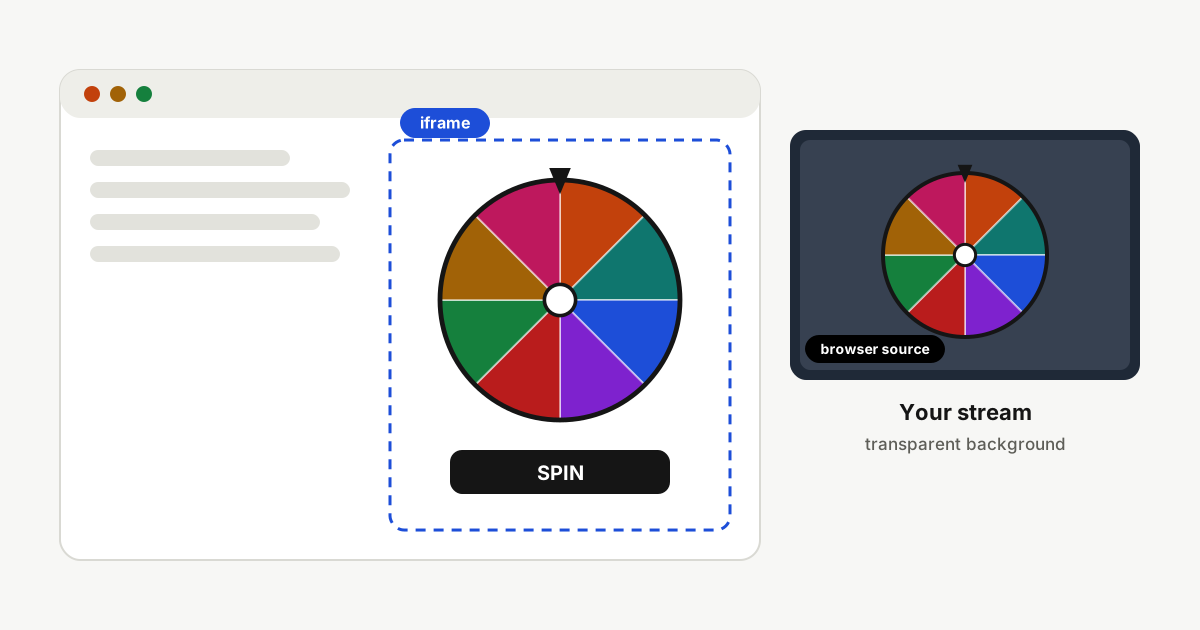
For a live draw, use the full screen view on a shared screen, or put the wheel into your stream with the embed builder. A longer spin time builds suspense, and the confetti and the winner card make the moment clear. Keep sound on a low volume if you stream, so it does not clash with your voice.
For a draw without a live audience, record the screen from before you press SPIN until the result is shown, and post the recording with the result.
Share the result link
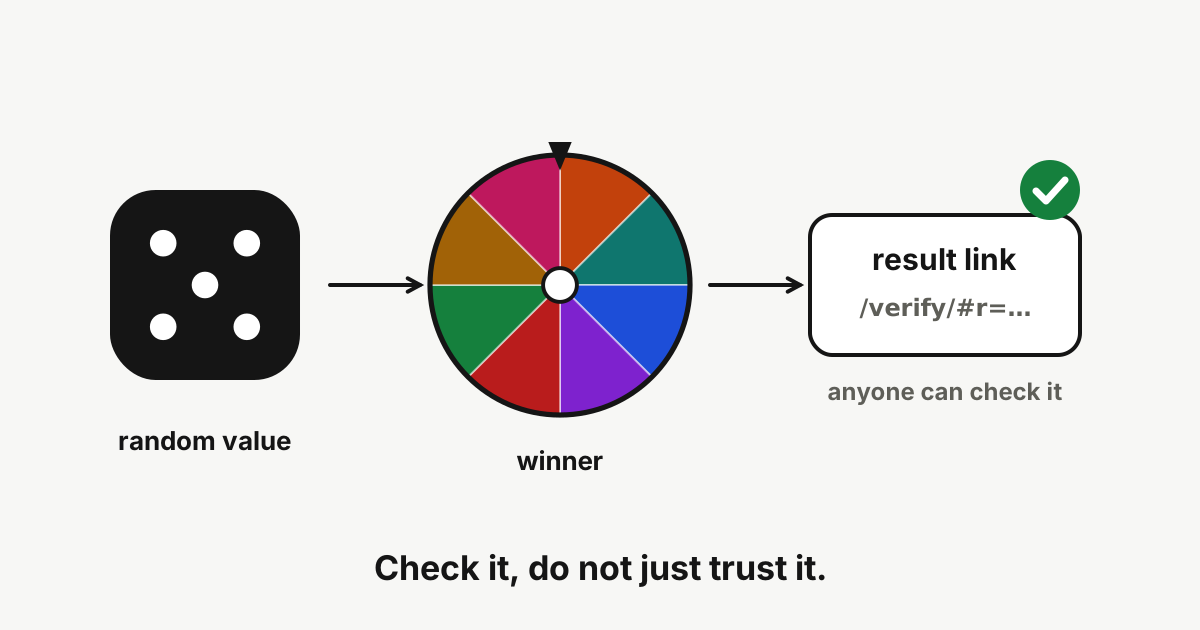
After the spin, open the Results tab and press Copy result link. Share the link with the result. Whoever opens it sees whether the result checks out, together with the list that was used. Add the link to your announcement, next to the recording.
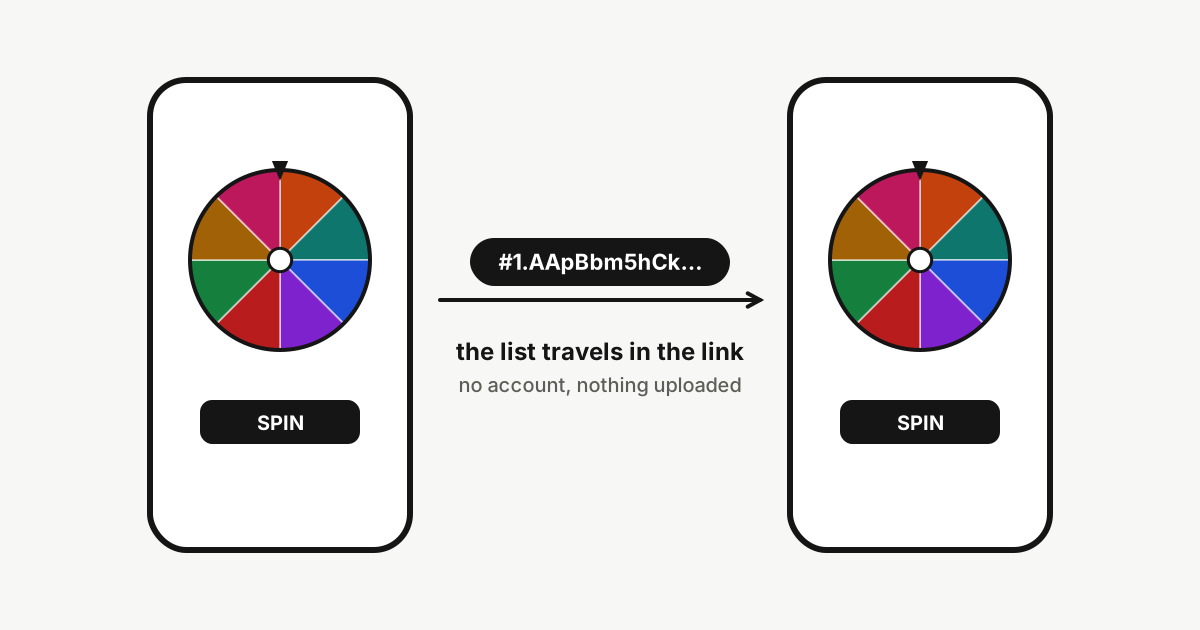
Publish the list you used too, with private details removed, so that entrants can see their own entry is in it.
More than one prize
Tick Remove winner before the next spin, then spin once for each prize. Each winner leaves the list, so nobody wins twice. Keep every result link, one per prize. The Results tab lists every spin in order, and you can download the list as a CSV for your records or save the whole wheel to a file.
Draw a few reserve winners the same way, so that a replacement is ready if the first winner does not claim the prize. When the prizes are numbered rather than named, the random number wheel can pick which prize each winner receives.
After the draw
Announce the winners in the place you promised, together with the result links and the list. Contact each winner through the channel they entered with, and note the date and time of every attempt, so you can show that you followed your own claim period.
If a winner cannot be reached or declines, use the next reserve in the order you drew them. Post a short note explaining the replacement, so entrants can see that nothing was decided behind the scenes.
Check the rules that apply to you
Giveaways and contests can be regulated, and social platforms have their own conditions for promotions. These vary by country and by platform, and this guide is general information, not legal advice. Read the rules that apply to you before you run a draw.